


SHAREit
“Rahim Mama's wedding video will take an hour to send over Bluetooth.”
“Hotplay's new album is 457 MB.”
“I have the iPhone 6. I can't send files without internet. I feel poor.”
Are you tired of listening to these? Well, have no fear. SHAREit is here.

SHAREit app by Lenovo is currently the quickest way available to share photos, videos, music and apps (exclusively on Android OS). One can now send and receive files between your smartphones or tablets or even PCs without Bluetooth, network charges or active Wi-Fi connection. Though the name says Lenovo, this app works for most Android, iOS and Windows PC/Phone devices.
For iPhone/iPad users, this app has brought a sigh of relief. Users can finally climb over iOS's walls and transfer files seamlessly. Many of us also have problems connecting our phones to our laptops with that aging USB data cable. SHAREit will come in handy here as well. Files can be transferred up to 60 times faster than a regular Bluetooth connection so several hundred megabytes can be sent in mere seconds.
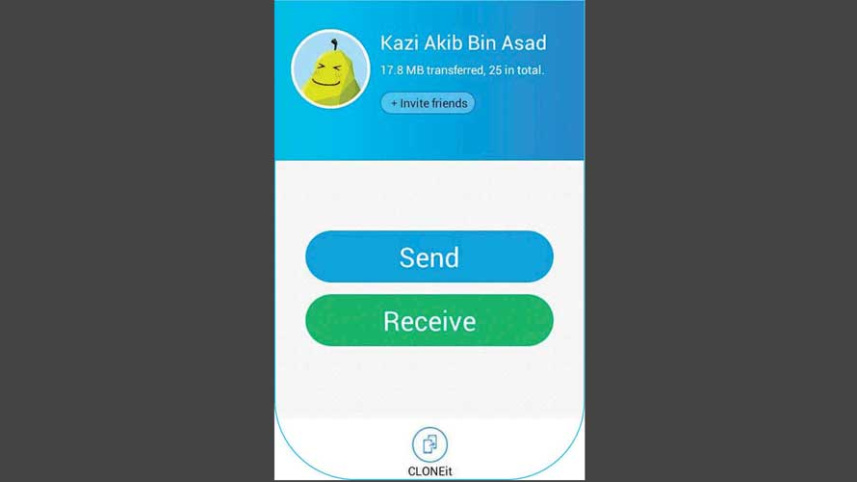
Basically it transfers data wirelessly between devices using a method called Wi-Fi Direct. First off, the user has to choose an avatar. Then the file to be sent is chosen, while the “Receive” button has to be pressed on the other end. The network set up takes a few seconds while the devices become visible to each other. The progress bar rushes like a racing car and voila, the files have been shared. In case of PCs without Wi-Fi, a wireless connection with a router is a necessity.
SHAREit is available in the Google Play Store, the iOS App Store and also in the Windows Store (beta version). For PCs, it can be downloaded from the website.
 For all latest news, follow The Daily Star's Google News channel.



Comments