


Save it for Later with “Pocket”
Platform: iOS, Android, Windows
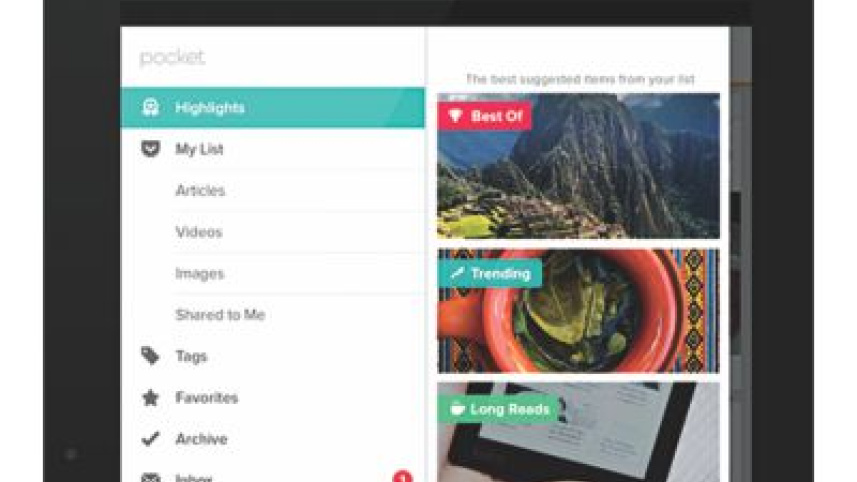
If you're among the multitudes of people who have plenty to read and not enough time to finish reading due articles, then the app, "Pocket", can save your day. Pocket is the new face of read-it-later with better layout design and other amazing features.
On Pocket, you can save lengthy articles or videos and queue them up for reading and watching later, whenever you want. Links are automatically cached for offline access (videos excluded) directly from your browser. One of Pocket's biggest
features is the ability to filter by content type; you can sort by image, video, and traditional text. If you want to categorise your saved content, Pocket also allows you to tag content by tapping the pencil button at the top right, selecting items, thus creating new tag.
The service has also introduced a "Recommended" section with content customised to your saving and reading habits. Reading articles on Pocket is quite a joy as it allows you to adjust text size, change fonts as well as changing themes from light, dark and sepia. Generally Pocket displays the article view of saved items, which is a distraction-free, easy-to-read format, and in web view if it's unavailable. A recent add-on to the service is the "Listen (TTS)" feature where articles will be read to you according to your adjusted voice speed.
Pocket offers the ability to share content on social media. You can also save to Pocket through their browser extensions for Chrome, Safari, Firefox and Internet Explorer. No more piling innumerable links on your browser; all you have to do now is Pocket them.

 For all latest news, follow The Daily Star's Google News channel.
Comments